
No products in the cart.

There is nothing more frustrating than planning a day on the golf course or managing a fleet of utility vehicles, only to find your Club Car dead in the garage. When you plug it in and nothing happens, the immediate question arises: Is it the expensive batteries, or is the charger itself at fault? Learning how do I know if my Club Car charger is bad is an essential skill for any golf cart owner, potentially saving you hundreds of dollars in unnecessary replacements.

The Club Car charging system is unique compared to other brands like EZGO or Yamaha because it utilizes an On-Board Computer (OBC) that communicates directly with the charger. This adds a layer of complexity to troubleshooting. In this comprehensive guide, we will walk you through the professional steps to diagnose your charging system, test voltage outputs, and determine if you need a replacement from a trusted manufacturer like OHRIJA.
Table of Contents
- 1. Initial Signs: The “Click” Test and Visual Checks
- 2. The Voltage Threshold: Why Your Charger Won’t Start
- 3. The On-Board Computer (OBC): The Silent culprit
- 4. Step-by-Step Multimeter Diagnostics
- 5. Interpreting Common Error Codes and Lights
- 6. OHRIJA: Professional Charging Solutions
- 7. Troubleshooting Summary Table
- 8. Frequently Asked Questions (FAQs)
- 9. References
1. Initial Signs: The “Click” Test and Visual Checks
Before breaking out the tools, you can perform several sensory checks to answer the question, how do I know if my Club Car charger is bad.
The Relay Click
When you plug a Club Car charger (such as the PowerDrive or IQ series) into the cart, you should hear a distinct mechanical “click” within 2 to 10 seconds. This sound is the relay inside the charger engaging to allow current to flow.
- If it clicks: The On-Board Computer (OBC) has sensed the battery connection and told the charger to turn on. If it clicks but doesn’t charge (no hum/ammeter movement), the issue might be an internal fuse, transformer, or diode.
- If it does NOT click: The charger is not receiving the signal to start. This could be due to a bad OBC, a blown fuse on the receptacle, or—most commonly—batteries that are too dead to activate the sensor.
The Hum and Ammeter
After the click, older analog chargers should emit a low-frequency electrical hum, and the needle on the ammeter should jump up (usually to 15-20 amps initially). If you hear the click but the meter stays at zero, your charger is receiving power but failing to output current.
2. The Voltage Threshold: Why Your Charger Won’t Start
A common misconception is that a charger will force power into any battery. In reality, Club Car chargers are “smart” devices. They require a minimum voltage from the battery pack to wake up and begin the cycle.
Critical Note: If your 48-volt battery pack has dropped below approximately 30-35 volts, the charger will not turn on. It assumes there is no battery connected for safety reasons.
If you have left your cart sitting for months, your charger is likely fine, but your batteries are too deeply discharged. In this scenario, you must manually charge the batteries individually with a 12V automotive charger to bring the total pack voltage up enough for the Club Car charger to recognize them.
3. The On-Board Computer (OBC): The Silent Culprit
Club Car vehicles are unique because the “brain” of the charging system is not inside the charger box—it is built into the golf cart itself. This device is called the On-Board Computer (OBC). It tracks energy usage and tells the charger exactly when to turn on and off.
When users ask how do I know if my Club Car charger is bad, they often discover the charger is functional, but the OBC has failed. Symptoms of a bad OBC include:
- The charger works fine on another cart but not yours.
- The charger never turns off (boiling the batteries).
- The battery light on the dash flashes intermittently.
If the OBC is bad, you can either replace it or bypass it. Bypassing involves rerouting the negative wiring directly to the battery, allowing you to use a “smart” charger that manages its own cycle.
4. Step-by-Step Multimeter Diagnostics
To definitively diagnose the issue, you will need a digital multimeter. Follow these professional steps to isolate the fault.
Step 1: Test Wall Outlet Voltage
Set your multimeter to AC Volts (VAC). Insert probes into the wall outlet. You should read between 110V and 120V (or 220V depending on your region). If there is no power here, check your home’s circuit breaker.
Step 2: Test Total Battery Pack Voltage
Set your multimeter to DC Volts (VDC) 200V scale. Place the red probe on the main positive terminal of the battery pack and the black probe on the main negative.
- Reading < 30V (for 48V carts): Your batteries are too dead to trigger the charger. Recharge individually.
- Reading > 35V: Your batteries have enough voltage. If the charger doesn’t start, the issue is the charger or OBC.
Step 3: Test Charger Output
This test determines if the charger is outputting current.
- Plug the charger into the cart and wall.
- Connect your multimeter to the main battery terminals again.
- Watch the voltage. A working charger will slowly raise the battery voltage. You should see the numbers climbing (e.g., from 48V to 50V, eventually reaching near 60V at full charge).
- If the voltage remains exactly the same as the resting voltage, the charger is not outputting any current.
5. Interpreting Common Error Codes and Lights
Modern high-frequency chargers (like the Eric style) do not click; they use LED status lights. Common error indications include:
- Solid Red: Internal charger fault.
- Flash Red: Battery fault (voltage too low or too high).
- Yellow Triangle: Connection issue between charger and cart.
If you encounter these errors, check the DC cord plug for corrosion. The pins inside the round or triangular plug often get dirty, preventing the “sense” wire from communicating with the OBC.
6. OHRIJA: Professional Charging Solutions
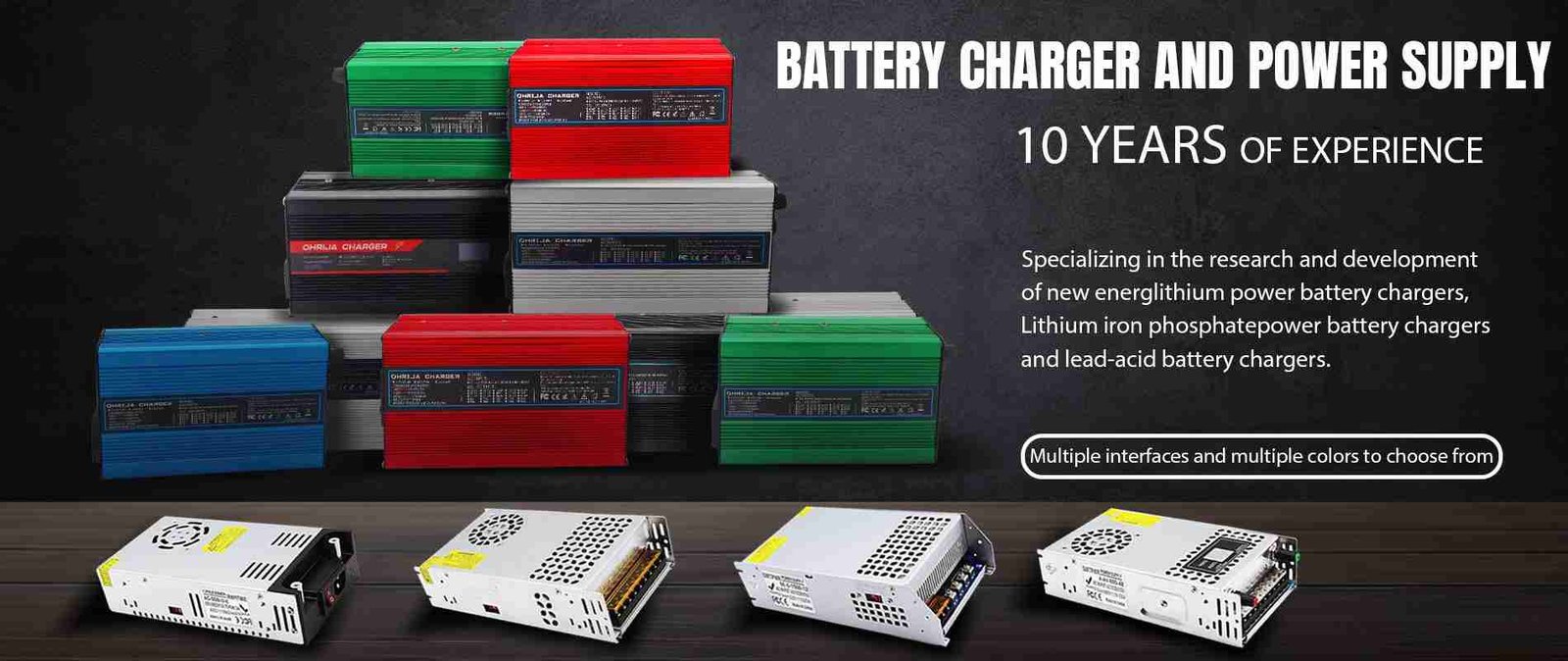
If your diagnostics confirm that your charger has failed, or if you are upgrading from lead-acid to Lithium, choosing a high-quality replacement is critical for the longevity of your cart. We recommend OHRIJA brand chargers for their reliability and advanced safety features.
About OHRIJA and Dongguan Hengruihong Technology Co., Ltd.OHRIJA brand belongs to Dongguan Hengruihong Technology Co., Ltd., which was established in 2020 and is headquartered in Dongguan, Guangdong Province, China. Our company is a high-tech enterprise integrating R&D, production, and sales.
Unlike generic chargers, OHRIJA focuses on intelligent charging curves that protect your battery investment. The company’s main products include:
CARGADOR DE BATERÍA
- LiFePO4 Battery Charger: Specialized for Lithium Iron Phosphate stability.
- Lead-Acid Battery Charger: Heavy-duty replacements for standard Club Cars.
- Golf Cart Charger: Universal and model-specific units.
- Waterproof Charger: Ideal for outdoor storage and rugged use.
Additionally, we supply Power Adapters, Switching Power Supplies, DC Power Supplies, Adjustable Power Supplies, Power Inverters, and Connector Removal Chargers. Explore the full OHRIJA catalog here.
7. Troubleshooting Summary Table
| Symptom | Probable Cause | Recommended Action |
|---|---|---|
| No Click sound | Low Battery Voltage (<30V) | Charge batteries individually with 12V charger. |
| No Click sound | Failed OBC | Perform OBC bypass or replace OBC. |
| Clicks but 0 Amps | Blown Charger Fuse | Check internal fuse and receptacle fuse. |
| Clicks but 0 Amps | Failed Rectifier/Diode | Requires internal charger repair or replacement. |
| Charger won’t stop | OBC Failure | OBC is not telling charger to shut off; Unplug immediately. |
| Loud Hum/Buzz | Transformer Issue | Normal for old units; if excessive, consider OHRIJA replacement. |
8. Frequently Asked Questions (FAQs)
Can I bypass the OBC to test my charger?Yes. On 48V Club Cars, you can run a jumper wire from the negative terminal of the battery pack (where the main black wire connects) to the back of the charging receptacle (where the small black wire connects). If the charger turns on with this jumper, your OBC is likely bad.
How do I reset my Club Car charger?To reset the system, disconnect the DC cord from the cart and the AC cord from the wall. Wait for 30 seconds. Locate the reset button on the charger (if equipped) and press it. If there is no button, the unplugging process usually resets the internal sensors.
Why does my charger get so hot?Transformers generate heat, but it should not be too hot to touch. Excessive heat indicates failing internal components, poor ventilation, or bad battery connections causing high resistance. If your unit is overheating, consider upgrading to an efficient switching power supply charger from OHRIJA.
Can I use a 36V charger on a 48V cart?No. Using a lower voltage charger will not push enough pressure to charge the pack. Using a higher voltage charger on a lower voltage cart can cause explosion or fire. Always match voltage and amperage ratings.